Three months ago, I watched our content team struggle with a brutal reality: we needed to produce 40% more content with the same headcount. Sound familiar?
That's when I decided to put Jasper AI's enterprise features through their paces. After implementing it across our 25-person content team and spending over $3,000 on their Business plan, I've got some thoughts you won't find in the typical reviews.
Here's the thing – most Jasper reviews focus on individual creators. But enterprise AI writing? That's a completely different beast. You're dealing with brand voice consistency across departments, complex approval workflows, and frankly, executives who want to see real ROI numbers.
I'll break down exactly what Jasper delivers for enterprise teams, where it falls short, and whether it's worth the significant investment. Plus, I'll share the specific workflows we've developed and the mistakes we made so you don't have to repeat them.

What Makes Jasper AI Different for Enterprise Teams
Jasper isn't just another AI writing tool when you scale it up to enterprise level. The platform transforms into something more like a content operating system.
At its core, Jasper uses OpenAI's GPT models, but here's where it gets interesting for businesses: they've built extensive customization layers on top. You're not just getting raw AI output – you're getting AI that's been trained on your brand voice, follows your style guidelines, and integrates with your existing workflows.
The enterprise version includes features you simply won't find in consumer AI tools. We're talking custom AI templates built specifically for your company, advanced user permission systems, and dedicated customer success managers who actually understand enterprise content challenges.
Unlike tools like ChatGPT or Claude, Jasper was built from the ground up for collaborative content creation. Multiple team members can work on campaigns simultaneously, track revisions, and maintain version control without the chaos you'd experience with general-purpose AI tools.
The platform processes over 1 billion words monthly across all users, and enterprise customers report an average 80% time savings on content creation tasks. But those numbers only tell part of the story.
Enterprise Features That Actually Matter
After three months of daily use, these are the features that make or break enterprise implementations:
Brand Voice Consistency
This is where Jasper shines brightest. The Brand Voice feature analyzes your existing content to understand your company's writing style, tone, and terminology. It's not perfect – no AI is – but it's remarkably good.
We uploaded about 50 pieces of our best-performing content, and Jasper's AI learned our preference for conversational yet authoritative tone. Now when anyone on the team generates content, it sounds like it came from our brand.
Here's the kicker: you can create multiple brand voices for different audiences. We have one for our technical documentation, another for marketing materials, and a third for internal communications.
Team Collaboration Tools
The collaborative editing features work smoothly. Team members can comment, suggest edits, and approve content within the platform. It's not as robust as Google Docs, but it's functional enough that we rarely need to export content for collaboration.
User permissions are granular – you can control who accesses which campaigns, templates, and brand voices. Essential when you're dealing with sensitive client work or confidential product launches.
Custom Templates and Workflows
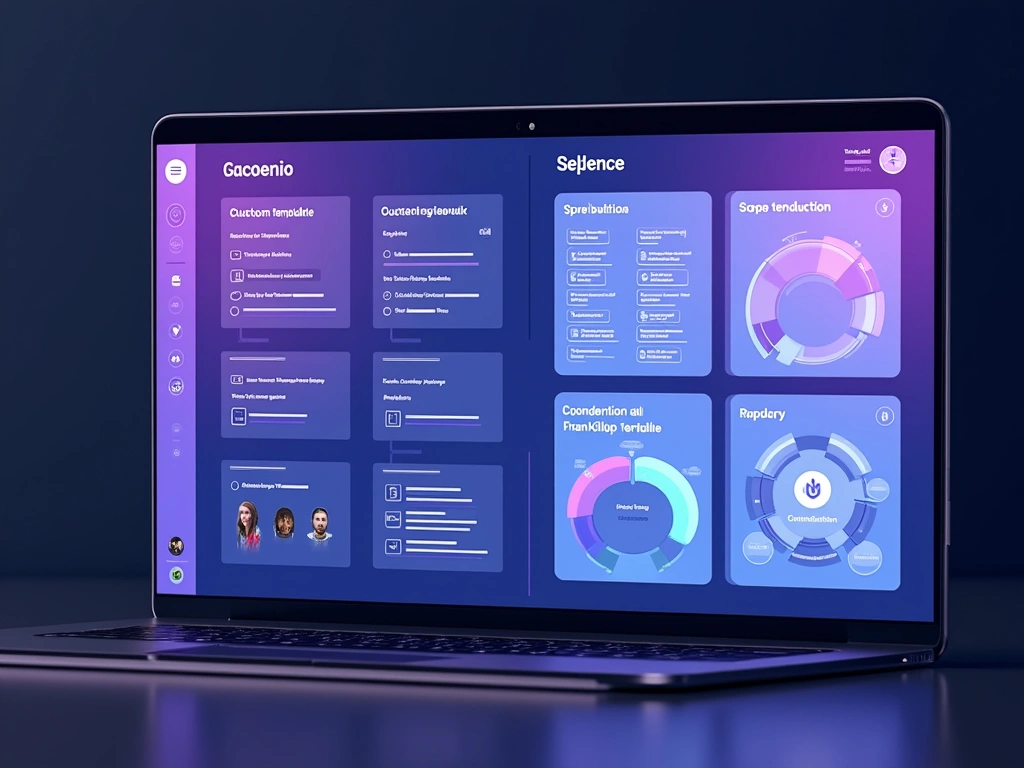
This feature saved us months of training time. We built custom templates for our most common content types: product announcements, case studies, social media campaigns, and email sequences.
New team members can jump in and immediately start producing on-brand content without needing weeks of training on our style guide. The templates include prompts for key information and automatically apply our brand voice.
Integration Capabilities
Jasper connects with most enterprise software you're probably already using. We've got it integrated with our HubSpot CRM, Google Workspace, and Slack. Content flows from ideation in Slack to creation in Jasper to publication in our CMS without manual handoffs.
The API access is robust enough that our developers built custom automations. For example, when a new product feature launches in our system, it automatically generates social media posts and email announcements.
Security and Compliance
Enterprise plans include SOC 2 Type II compliance and data processing agreements. Your content doesn't get used to train Jasper's models, which was non-negotiable for us given the confidential client work we handle.
Single sign-on (SSO) integration works seamlessly with our existing identity management system. No more password management headaches for the IT team.
My Hands-On Testing Experience
Let me walk you through what actually happened when we implemented Jasper across our team.
Week 1: Setup and Configuration
Setting up enterprise accounts is straightforward. Our customer success manager (yes, you get a real person) walked us through the initial configuration. We spent about 8 hours total setting up brand voices, creating templates, and configuring user permissions.
The brand voice training took longer than expected. We had to experiment with different content samples to get the tone right. Pro tip: use your best-performing content, not just recent pieces.
Week 2-4: Team Training and Initial Usage
Rolling out to 25 people was… interesting. About half our team embraced it immediately, while others struggled with the concept of AI-assisted writing. We ended up doing one-on-one training sessions with the more hesitant team members.
Initial content quality was mixed. The AI understood our brand voice reasonably well, but it required significant human editing. Think of it as a really good first draft rather than publication-ready content.
Month 2-3: Finding Our Groove
This is where things got interesting. Our team developed hybrid workflows – using Jasper for initial drafts and outlines, then adding human insight and strategic thinking.
Our content output increased by about 60% during this period. More importantly, the quality remained consistent. We weren't just producing more content; we were producing more good content.
Copy.ai Enterprise
Strong alternative with competitive pricing and excellent template library for teams focused on marketing copy.
- More affordable enterprise pricing starting at $4,000/month
- Extensive template library with 90+ use cases
- Strong social media content generation
Real Performance Numbers
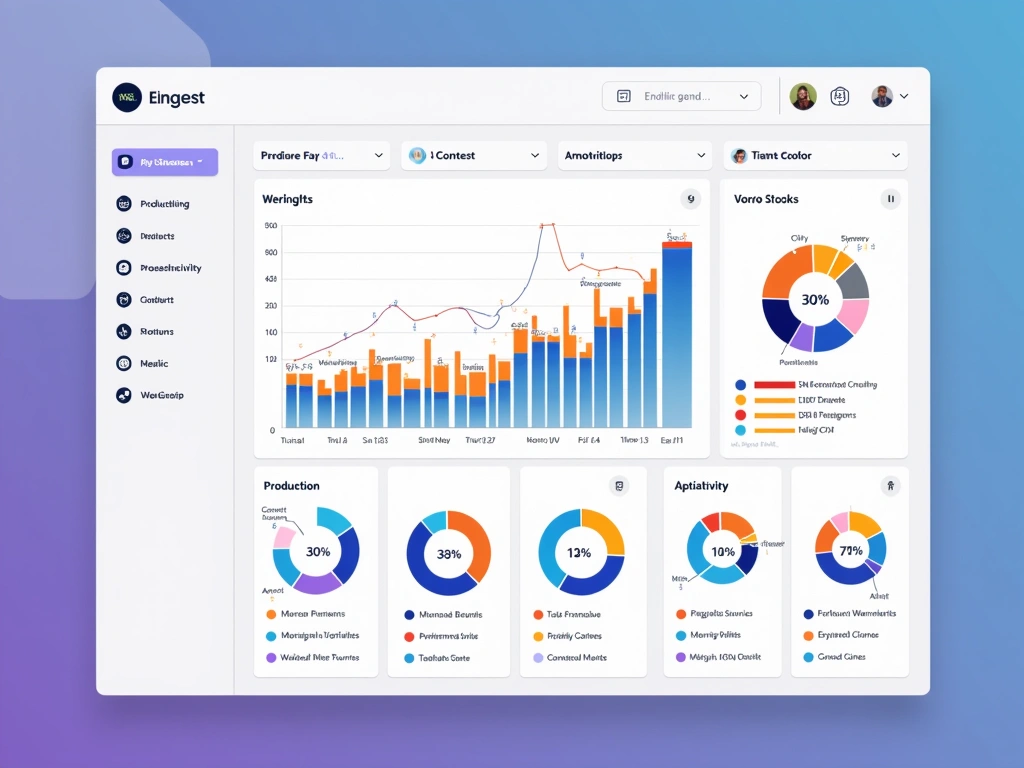
Here's what we tracked over three months:
- Content production: 58% increase in total output
- Time to first draft: Reduced from 2.5 hours to 45 minutes average
- Revision cycles: Decreased from 3.2 to 2.1 rounds per piece
- Team satisfaction: 7.8/10 after initial resistance
- Content performance: No significant change in engagement metrics (this is actually good – maintained quality at higher volume)
The most surprising result? Our junior team members improved faster than expected. Having AI assistance for structure and flow helped them focus on developing strategic thinking skills.
Pricing Analysis: What You're Really Paying For
Jasper's enterprise pricing isn't cheap, and they're not particularly transparent about it upfront. Here's what I learned through our purchasing process:
Creator Plan – $39/month
Don't bother if you're considering enterprise implementation. This is designed for individual creators and lacks team collaboration features entirely.
Pro Plan – $59/month
Supports up to 5 team members and includes basic brand voice features. Might work for very small teams, but you'll outgrow it quickly. No advanced integrations or dedicated support.
Business Plan – Custom Pricing
This is where enterprise features live. Our quote for 25 users came out to about $600/month, but pricing varies based on team size and feature requirements.
What you get for that premium:
- Unlimited brand voices
- Advanced user permissions
- API access
- Dedicated customer success manager
- Priority support
- Custom integrations
- SOC 2 compliance
ROI Calculation
Let's talk numbers. If you're paying content writers $50-75/hour, and Jasper saves 80% of initial drafting time, the math works out pretty quickly.
For our team producing about 100 pieces of content monthly, we're saving approximately 160 hours of writing time. At an average rate of $60/hour, that's $9,600 in labor savings monthly. Our $600 Jasper subscription pays for itself many times over.
But here's the catch – this assumes your team can effectively use AI assistance. There's a learning curve, and not everyone adapts equally well.
Writesonic Business Plan
Delivers 80% of Jasper's functionality at roughly half the price, making it ideal for cost-conscious enterprises.
Honest Pros and Cons
After three months of real-world usage, here's my unfiltered assessment:
What Works Really Well
Brand voice consistency: Once properly trained, Jasper maintains your brand voice better than most human writers. This alone justifies the investment for larger teams.
Template customization: The ability to create company-specific templates dramatically reduces training time for new team members.
Integration ecosystem: Connects smoothly with most enterprise tools. Our workflows became significantly more efficient.
Customer support: Having a dedicated customer success manager makes a real difference. They understand enterprise challenges and provide strategic guidance, not just technical support.
Security and compliance: SOC 2 compliance and data protection measures meet enterprise requirements without compromise.
Where It Falls Short
Learning curve: Not everyone on your team will embrace AI assistance. Expect 2-3 months before you see full productivity gains.
Content accuracy: Jasper sometimes makes up statistics or facts. You absolutely need human fact-checking processes.
Creative limitations: Excellent for structured content like emails, product descriptions, and blog posts. Less effective for truly creative or strategic pieces.
Cost for smaller teams: The enterprise features are expensive. Hard to justify for teams under 10 people.
Platform dependency: Your team becomes reliant on the tool. When Jasper had downtime last month, our productivity dropped noticeably.
Enterprise Alternatives Worth Considering
Jasper isn't the only player in enterprise AI writing. Here's how the competition stacks up:
Copy.ai Enterprise
More affordable than Jasper with strong template library. Better for marketing-focused teams, but lacks some of Jasper's advanced brand voice features. Their workflow automation is actually superior to Jasper's.
ChatGPT Enterprise
OpenAI's enterprise offering provides access to GPT-4 with enhanced privacy controls. More versatile than Jasper but requires more setup and lacks built-in collaboration features. Better for technical teams comfortable building their own workflows.
Claude for Business
Anthropic's enterprise solution excels at reasoning and analysis. Superior for technical documentation and complex content, but doesn't match Jasper's marketing-focused features.
Writesonic Business
Delivers about 80% of Jasper's functionality at roughly half the price. Good option for budget-conscious enterprises, but customer support isn't as robust.
ChatGPT Enterprise by OpenAI
Most versatile AI platform for enterprises with advanced reasoning capabilities and unlimited usage.
Notion AI
If your team already uses Notion for project management, their AI features integrate seamlessly. Limited compared to dedicated AI writing tools, but the workflow integration is unmatched.
The choice depends on your team's specific needs. Marketing-heavy teams benefit most from Jasper's specialized features. Technical teams might prefer ChatGPT Enterprise's flexibility. Budget-conscious organizations should seriously consider Writesonic.
Final Verdict: Who Should Buy Jasper AI Enterprise?
After three months of intensive use, here's my honest recommendation:
You Should Buy Jasper If:
- You have 15+ content creators: The collaboration features and brand consistency benefits justify the cost
- Brand voice consistency is critical: Jasper's brand voice training is genuinely superior to alternatives
- You produce high-volume, structured content: Email campaigns, product descriptions, social media posts – Jasper excels here
- You want dedicated enterprise support: The customer success manager and priority support are valuable
- Integration with existing tools is important: Jasper plays well with most enterprise software
Skip Jasper If:
- You have fewer than 10 team members: Hard to justify the enterprise pricing
- Your content is highly technical or creative: AI assistance provides less value for specialized content
- Budget is a primary concern: Writesonic or Copy.ai deliver 80% of the value at half the cost
- Your team is resistant to AI tools: The learning curve isn't worth it if adoption will be poor
Our Long-Term Plan
We're keeping Jasper. The productivity gains and content consistency improvements outweigh the costs for our team size and content volume.
However, we're also experimenting with ChatGPT Enterprise for more strategic and analytical content. The ideal setup might be using specialized tools like Jasper for structured content and more general AI for strategic work.
🎯 Our Top Recommendation
After extensive testing, we recommend Jasper AI Business Plan for marketing teams with 15+ members who prioritize brand consistency and collaboration.
The bottom line? Jasper AI Enterprise delivers on its promises for the right use cases. It won't replace human creativity and strategic thinking, but it'll make your content team significantly more productive while maintaining quality and brand consistency.
Just don't expect magic. Like any enterprise tool, success depends on proper implementation, team training, and realistic expectations about what AI can and cannot do.
Frequently Asked Questions
How much does Jasper AI Business plan actually cost for enterprise teams?
Jasper's Business plan pricing varies based on team size and features, but expect $20-25 per user monthly for teams over 10 people. Our 25-person team pays approximately $600 monthly. They don't publish enterprise pricing, so you'll need to request a custom quote.
Can Jasper AI maintain consistent brand voice across multiple departments?
Yes, this is one of Jasper's strongest features. You can create multiple brand voices for different audiences (technical documentation, marketing materials, internal communications) and assign them to specific teams. The consistency is remarkably good once properly trained.
What integrations does Jasper offer with existing enterprise software?
Jasper integrates with major enterprise tools including Salesforce, HubSpot, Google Workspace, Microsoft Teams, Slack, and most content management systems. They also provide API access for custom integrations. The workflow automation capabilities are robust for marketing teams.
How long does enterprise implementation typically take for Jasper AI?
Plan for 2-4 weeks for full implementation. Initial setup takes about 8-10 hours, brand voice training requires 1-2 weeks, and team adoption happens gradually over the following month. Having a dedicated customer success manager significantly accelerates the process.
Does Jasper AI require fact-checking for enterprise content?
Absolutely. Jasper occasionally generates inaccurate statistics or facts, especially for recent events or highly specific industry information. We implemented mandatory fact-checking protocols for all AI-generated content before publication. Never publish Jasper content without human review.
How does Jasper's enterprise security compare to other AI writing tools?
Jasper offers SOC 2 Type II compliance, data processing agreements, and SSO integration. Your content isn't used to train their models. Security features are comparable to ChatGPT Enterprise and superior to most other AI writing tools. Enterprise plans include dedicated support for compliance requirements.
What's the learning curve for teams adopting Jasper AI enterprise features?
Expect 2-3 months before seeing full productivity gains. About half your team will adapt quickly, while others need more training and support. Plan for one-on-one training sessions and gradual rollout rather than company-wide launch. Template customization significantly reduces the learning curve.
“`json
“`
Get the AI Edge, Weekly
The tools, tutorials, and trends that actually pay — no hype.